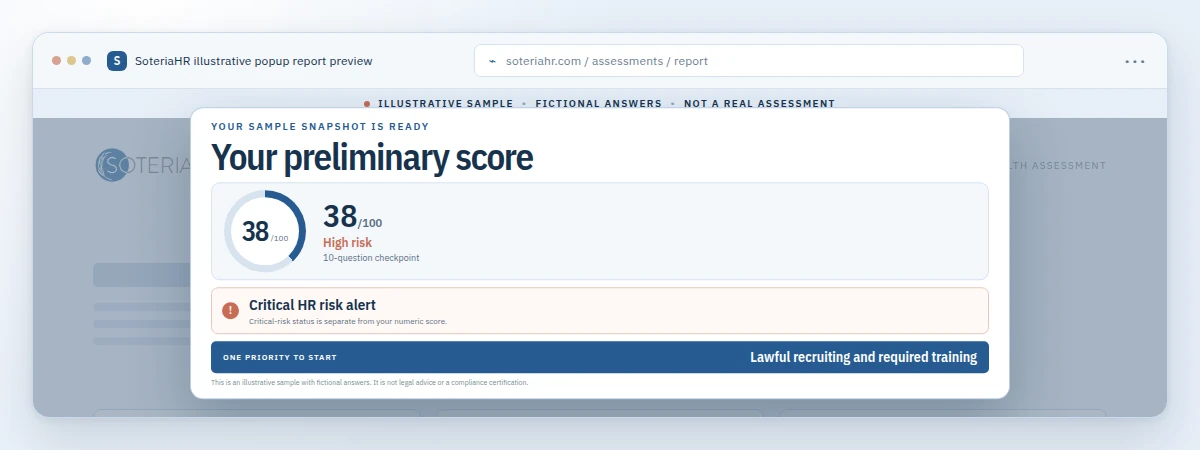
A cloud based HRIS system gives growing companies one secure, web-hosted place to manage employee records, payroll coordination, benefits, and compliance. Instead of juggling spreadsheets, paper files, and a dozen disconnected tools, HR leaders can log in from anywhere and see accurate data instantly. For small and mid-sized businesses that are scaling fast, this shift often marks the difference between reactive HR firefighting and proactive people strategy. Soteria HR works alongside growing organizations to select, implement, and optimize these platforms so leaders spend less time on paperwork and more time building strong teams.

A cloud based HRIS system lets HR leaders check employee data from any device.
What Is a Cloud Based HRIS System?
A cloud based HRIS system, short for human resources information system, is HR software hosted on remote servers rather than a company’s own computers. In practice, this means your team accesses payroll, benefits, and employee data through a secure internet connection instead of local hardware. You can read more about this category of technology on Wikipedia’s overview of human resource management systems.
Because the provider manages servers, updates, and security patches, businesses avoid the cost and hassle of maintaining in-house IT infrastructure. As a result, even a twenty-person company can run HR operations with the same reliability as a much larger organization.
Most modern platforms bundle several functions together: employee self-service portals, time and attendance tracking, benefits enrollment, and compliance recordkeeping. Consequently, a single login often replaces five or six separate spreadsheets and paper forms. For growing companies without a dedicated HR department, that consolidation alone can save hours every week.
How Does Cloud Based HR Software Differ From Legacy Systems?
Legacy HR software typically lives on a single server inside your office, which means updates, backups, and security fall entirely on your internal team. In contrast, cloud based HR software pushes those responsibilities to the vendor, who handles maintenance around the clock.
Similarly, legacy systems often lock data behind a single desktop computer, so remote managers cannot check payroll status without calling the office. Cloud platforms, however, let authorized users view or update records from a phone, tablet, or laptop anywhere with internet access.
In addition, older systems tend to charge large upfront licensing fees, while most cloud vendors use predictable monthly subscriptions that scale with headcount. This pricing structure matters most for growing businesses, since it lets HR budgets expand gradually instead of requiring a big capital investment before the company is ready.
Key Features to Look for in a Cloud HRIS Platform
Not every platform fits every business. Above all, growing companies should prioritize features that reduce manual work and protect against compliance risk — the ever-changing set of employment laws businesses must follow to avoid fines or legal exposure.
- Employee self-service: Lets staff update personal information, request time off, and view pay stubs without HR intervention.
- Payroll coordination: Connects hours worked, benefits deductions, and tax withholdings to reduce payroll errors.
- Compliance tracking: Flags upcoming deadlines for items like ACA reporting, I-9 verification, or state-specific leave laws.
- Custom reporting: Provides real-time dashboards on turnover, headcount, and time-to-hire.
- Secure data storage: Uses encryption and role-based access to protect sensitive employee information.
Together, these features turn a cloud based HRIS system into more than a digital filing cabinet. Instead, it becomes a strategic tool that helps leaders spot trends before small issues become expensive problems. For a deeper breakdown of platform options, see our guide to cloud based HRIS systems for growing SMBs.
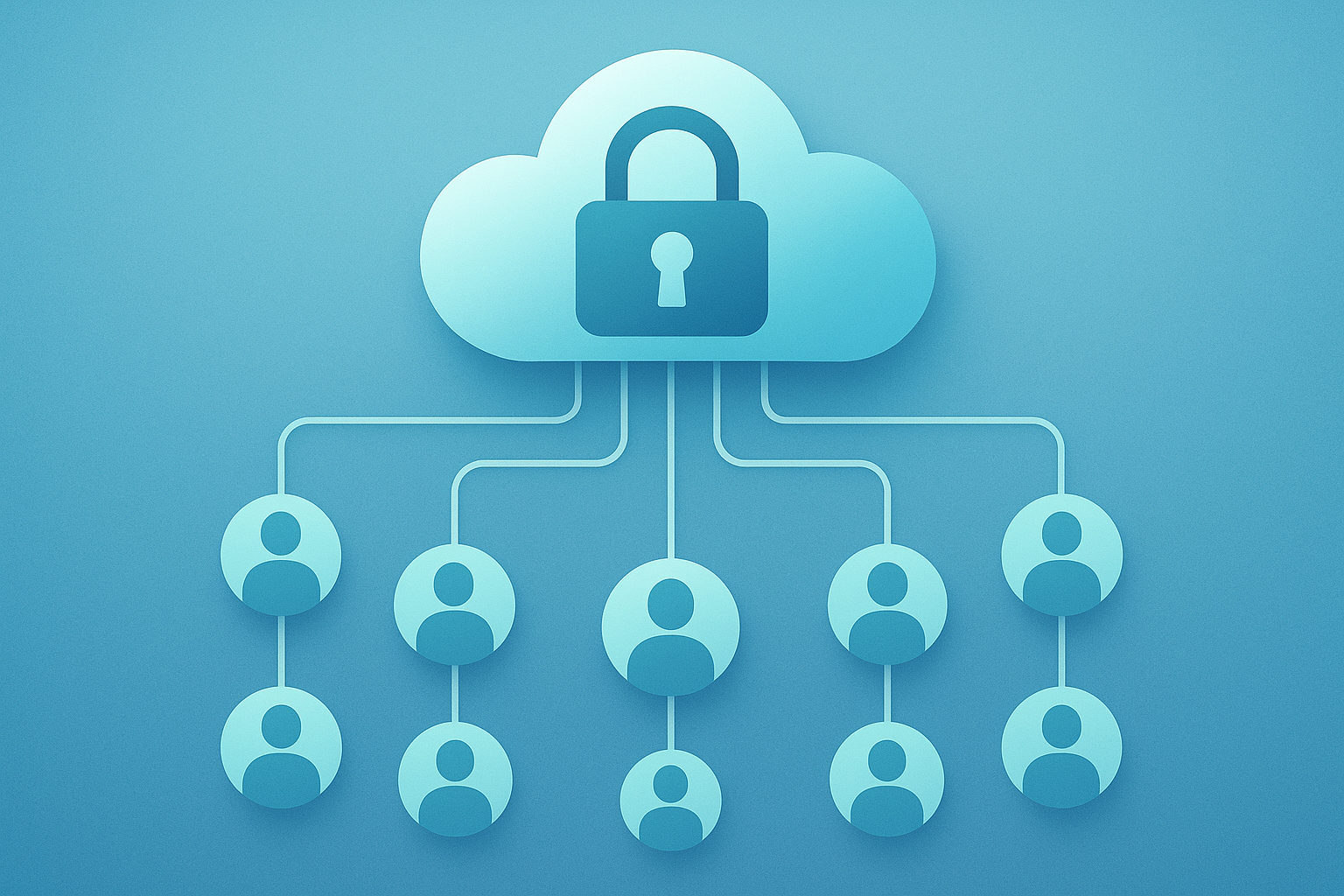
Security and centralized data storage are core advantages of a cloud based HRIS system.
Benefits of Moving to a Cloud Based HR System
Switching to a cloud based HR system delivers benefits that go well beyond convenience. For example, the global HR technology market surpassed thirty billion dollars in value in recent years, reflecting how quickly businesses of every size are moving core HR functions online, according to industry trend reporting from SHRM.
Specifically, growing companies often see three measurable gains: reduced administrative time as automated workflows replace manual data entry, fewer compliance errors because the system tracks changing regulations automatically, and better hiring decisions thanks to centralized applicant and performance data.
Furthermore, cloud systems scale naturally as headcount grows. Therefore, a company with fifteen employees today won’t need to rebuild its entire HR infrastructure once it reaches one hundred. Instead, it simply adds licenses or modules as needed — a flexibility traditional on-premise software rarely offers. Our complete guide to cloud based HR management covers this scalability in greater detail.
How to Choose and Implement a Cloud Based HRIS System
Choosing the right platform does not have to feel overwhelming. The following steps offer a practical starting point for growing organizations evaluating their options.
- Assess current pain points. Start by listing every manual HR task that eats up time each week, from tracking PTO requests to chasing down signed offer letters.
- Define must-have features and budget. Decide which capabilities — payroll, benefits, compliance tracking — are non-negotiable, then set a realistic monthly budget per employee.
- Compare vendors and request demos. Ask each provider to walk through onboarding, reporting, and customer support so you can compare the real user experience, not just the sales pitch.
- Plan data migration and training. Map out how existing employee records will move into the new system and schedule hands-on training sessions before launch day.
- Launch, monitor, and refine. Roll out the platform in phases, gather employee feedback within the first ninety days, and adjust settings or permissions as issues surface.
Notably, businesses that skip step one — assessing pain points — often end up paying for features they never use. Meanwhile, those that invest time in training see faster adoption and fewer support tickets in the first quarter. For more on this process, our cloud HR system guide for growing SMBs walks through additional vendor comparison tips.

A structured checklist helps growing teams choose the right cloud based HR system.
Common Mistakes When Adopting HR Technology
Even a well-chosen cloud based HRIS system can underperform if implementation goes wrong. Several mistakes show up again and again among growing businesses.
First, some companies migrate incomplete or outdated employee data, which creates confusion down the line. Second, others skip proper permission settings, leaving sensitive salary or medical information visible to the wrong staff members. Third, many organizations underestimate training time, assuming employees will figure out self-service portals on their own.
As a result, adoption stalls and teams quietly revert to old spreadsheets. Consequently, the company pays for software nobody fully uses. Avoiding these pitfalls usually comes down to planning: clean data before migration, clear permission structures, and dedicated training time in the rollout schedule. Compliance recordkeeping requirements, such as those outlined by the U.S. Department of Labor, should also factor into how data is structured from day one.
How Soteria HR Supports Growing Businesses With HR Systems
Selecting software is only half the equation; using it well is what actually protects your business. That’s where Soteria HR comes in.
Our team helps growing organizations choose platforms that fit their size and industry, then builds the processes — like custom HR playbooks and updated employee handbooks — that make the technology stick. For readers who want a deeper technical dive, our guide on choosing the right HR system and cloud based HR systems overview cover pricing tiers and vendor comparisons in more detail.
To see how this technology fits into a broader HR strategy — including compliance, payroll coordination, and benefits management — visit Soteria HR and talk to an HR expert about your growth stage.
Frequently Asked Questions About Cloud Based HRIS Systems
What is a cloud based HRIS system?
A cloud based HRIS system is a web-hosted platform that stores and manages employee data, payroll, benefits, and compliance records remotely. As a result, businesses can access accurate information from any device without maintaining in-house servers.
How does a cloud based HRIS system differ from traditional HR software?
Traditional HR software runs on local servers your team must maintain, while cloud systems are hosted and updated by the vendor. This gives cloud platforms an edge in accessibility, security patching, and scalability.
How much does a cloud based HRIS system cost for a small business?
Pricing typically ranges from a few dollars to around fifteen dollars per employee per month, depending on features like payroll and benefits administration. Costs scale with headcount rather than requiring a large upfront investment.
How long does it take to implement a cloud HRIS platform?
Most small and mid-sized businesses can implement a cloud HRIS platform in four to eight weeks, depending on data cleanup and integration needs. Larger, more complex organizations may take a bit longer.
What features should a cloud based HRIS system include?
Look for employee self-service, payroll coordination, compliance tracking, custom reporting, and secure, role-based data access. Together, these features reduce manual admin work and lower compliance risk.
Is a cloud based HRIS system secure?
Reputable providers use encryption, role-based permissions, and regular security audits to protect employee data, often exceeding what a small business could maintain on its own servers.
Can a cloud based HRIS system handle payroll and benefits?
Yes, most platforms integrate payroll coordination and benefits enrollment directly with employee records, which reduces duplicate data entry and lowers the chance of errors.
What are common mistakes when switching to a cloud based HR system?
Common mistakes include migrating outdated data, skipping proper permission settings, and underestimating employee training time. Each of these can slow adoption and reduce the return on your investment.
Do small businesses really need a cloud based HRIS system?
Once a company grows past roughly fifteen to twenty employees, manual tracking usually becomes error-prone and time-consuming. At that point, a cloud based HR system becomes a practical next step.
How does a cloud based HRIS system support compliance?
These systems automatically flag deadlines for items like I-9 verification, ACA reporting, and state-specific leave requirements, which helps growing companies avoid costly compliance mistakes.
What’s the difference between an HRIS and an HRMS?
An HRIS typically focuses on core data management like records and payroll, while an HRMS often adds broader functions such as performance management and workforce planning. In practice, many vendors use the terms interchangeably.
How can Soteria HR help with a cloud based HRIS system?
Soteria HR helps growing businesses select the right platform, migrate data correctly, and build the HR processes and playbooks that make the technology actually work day to day.
Can employees access a cloud based HRIS system themselves?
Yes, most platforms include self-service portals where employees can update personal details, request time off, and view pay stubs without contacting HR directly.
Final Thoughts on Choosing a Cloud Based HRIS System
Ultimately, a cloud based HRIS system works best when it’s paired with the right people strategy. Technology alone won’t fix compliance gaps or a confusing onboarding process — but it does give growing companies the structure and visibility to fix these issues faster.
Whether you are choosing your first platform or upgrading from a patchwork of spreadsheets, take time to match features to your actual pain points before signing a contract. In the end, the goal isn’t just software adoption; it’s building an HR foundation strong enough to support your next stage of growth. Ready to get more from your HR technology? Talk to an HR expert at Soteria HR today.