HR analytics for small businesses means using employee and workforce data—turnover rates, time-to-hire, absenteeism, and labor costs—to make better people decisions instead of relying on gut instinct. For many founders and operations leaders, the term sounds like something reserved for large corporations with dedicated data teams. However, even a company with 15 or 50 employees generates meaningful HR data every month: applications received, hours worked, benefits enrollments, and exit interviews. The real question is not whether small businesses have HR data. It is whether they are using it well. This guide explains what HR analytics for small businesses looks like in practice, which metrics matter most, and how to start without hiring a data scientist.
Direct answer: HR analytics for small businesses is the practice of collecting and reviewing core workforce metrics—like turnover, absenteeism, time-to-fill, and labor cost per employee—to spot problems early and guide staffing, compliance, and budget decisions. It does not require expensive software; a well-organized spreadsheet reviewed monthly is a reasonable starting point.
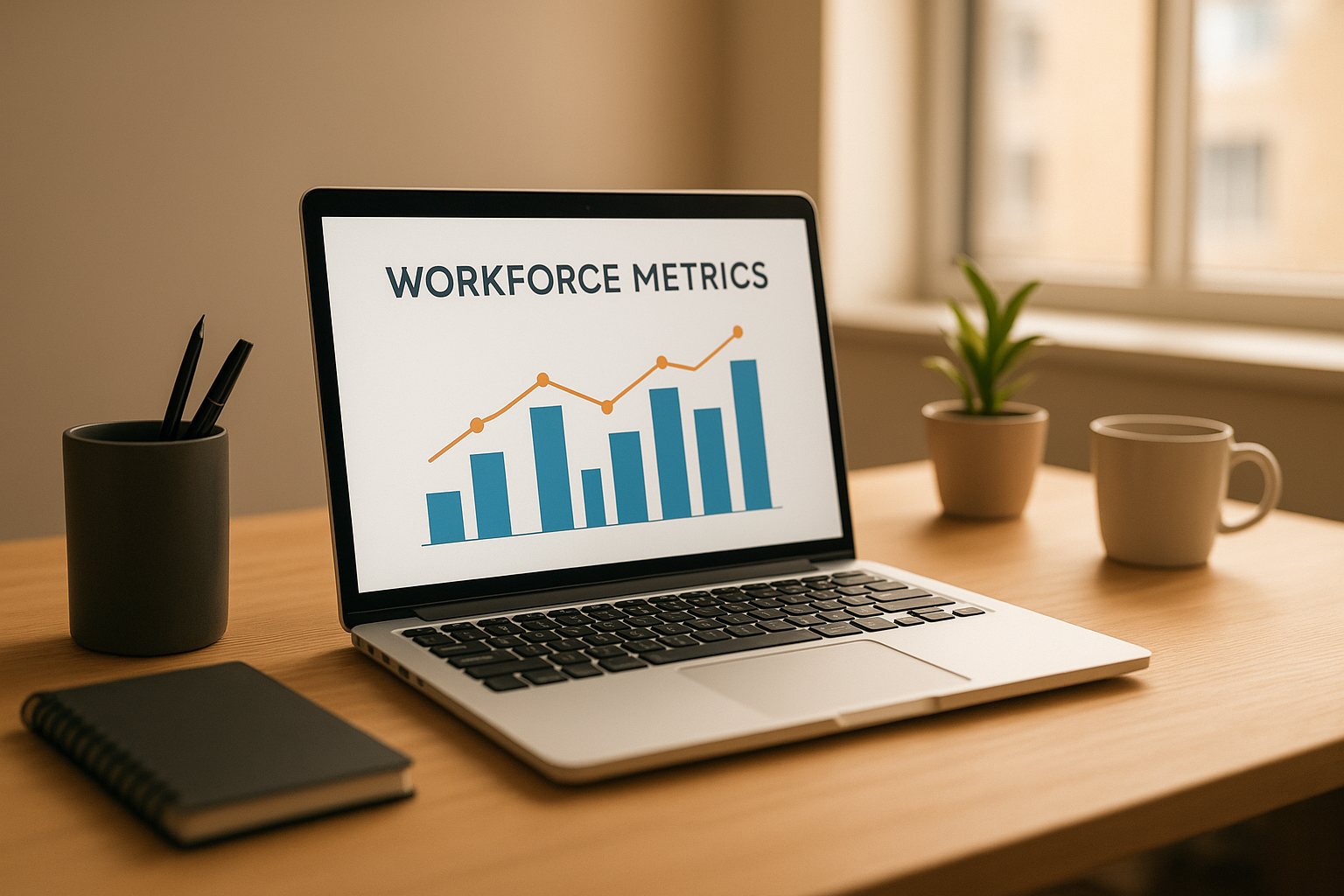
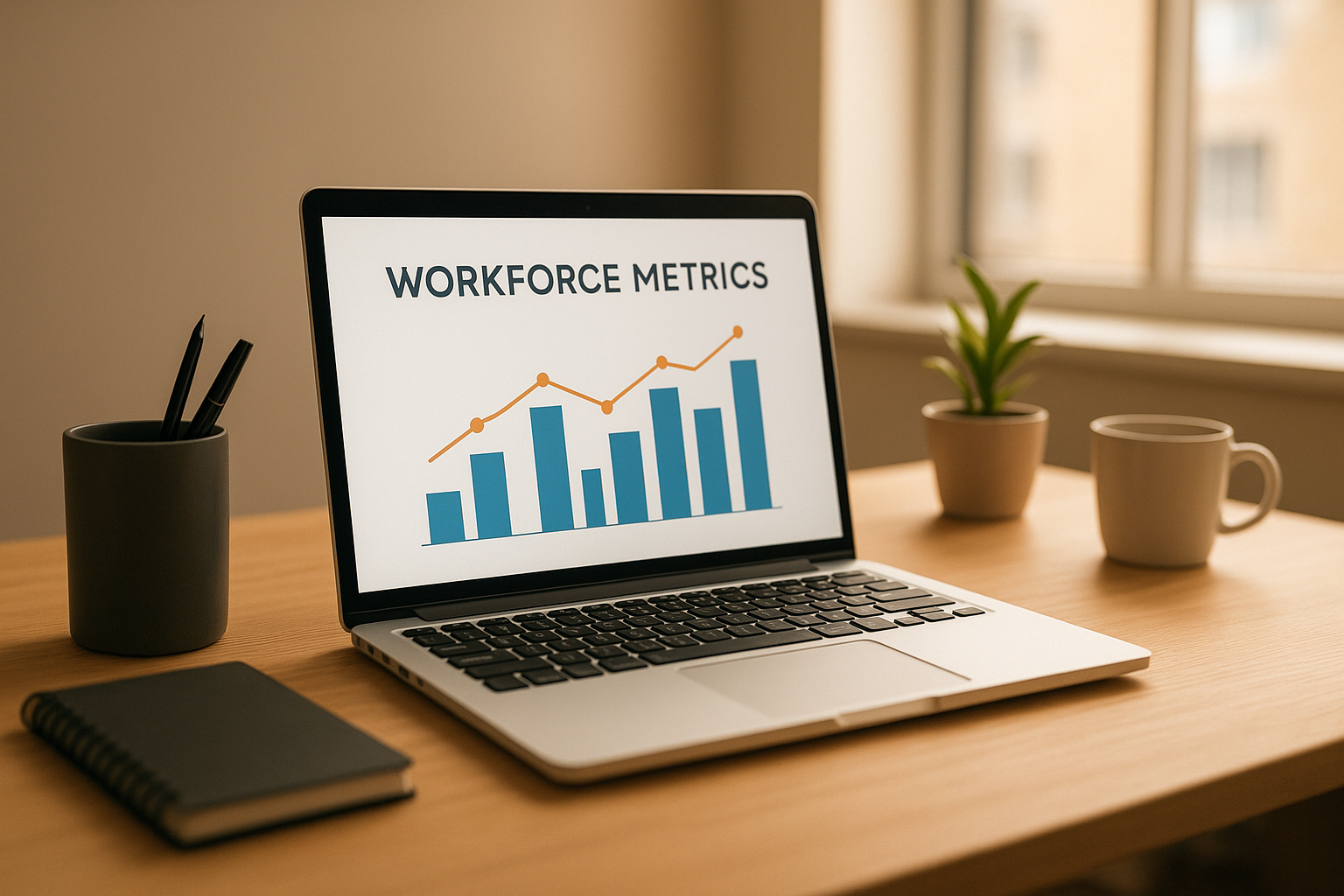
HR analytics for small businesses often starts with simple charts tracking turnover, hiring, and labor cost trends.
What Is HR Analytics for Small Businesses?
HR analytics for small businesses is the organized use of workforce numbers to answer practical questions, such as why employees are leaving or which hiring process takes too long. In larger companies, this work often sits inside a dedicated people-analytics team. In a smaller organization, it usually falls to a founder, office manager, or an outsourced HR administration partner instead.
Specifically, HR analytics tends to fall into three categories. Operational metrics cover day-to-day activity, such as time-to-fill or onboarding completion. Compliance metrics track items regulators care about, including overtime hours and leave usage. Strategic metrics, meanwhile, connect HR numbers to business outcomes, such as labor cost as a share of revenue. In contrast to large-enterprise analytics, the small business version is intentionally lean—a handful of numbers reviewed consistently beats dozens of metrics reviewed rarely.
Why Workforce Data Matters for Growing Companies
As a company grows past 10 or 20 employees, informal tracking starts to break down. Therefore, workforce data becomes less of a nice-to-have and more of a practical necessity. Research widely cited by the Society for Human Resource Management suggests that replacing a single employee can cost anywhere from half to two times that employee’s annual salary once recruiting, training, and lost productivity are factored in. For a 30-person company, even one or two unplanned departures can represent a significant hit to the budget.
In addition, the U.S. Bureau of Labor Statistics regularly publishes data on quits and separations across industries, which small businesses can use as a rough benchmark when their own turnover feels unusually high or low. Similarly, consistent tracking of absenteeism and overtime can flag burnout risk before it shows up as a resignation. Above all, the goal is early warning: HR analytics for small businesses works best when it catches a trend while it is still small and manageable.

Reviewing workforce metrics together helps leadership teams turn raw numbers into clear staffing decisions.
Key HR Metrics Small Businesses Should Track
Not every metric deserves equal attention. For small teams, the following measures tend to offer the most insight relative to the effort required to track them:
- Turnover rate — the percentage of employees who leave over a given period, voluntarily or otherwise.
- Time-to-fill — how many days pass between posting a role and a candidate accepting an offer.
- Absenteeism rate — unplanned absences as a share of total scheduled work days.
- Cost per hire — recruiting, advertising, and onboarding costs divided by the number of hires.
- Benefits participation rate — the share of eligible employees enrolled in offered benefits.
- Labor cost as a percentage of revenue — total compensation costs divided by revenue over the same period.
Consequently, a small business that tracks even four of these consistently will have a clearer picture of HR health than one that tracks a dozen metrics sporadically. Specifically, turnover and labor cost percentage tend to surface the most urgent issues first.
How to Start Using HR Analytics in 5 Steps
Getting started does not require a major technology investment. The following sequence works for most organizations without a dedicated analytics function:
- Define the questions you need answered. List the specific staffing questions leadership actually needs answered, such as why turnover is rising in one department or which role takes longest to fill.
- Audit your existing HR data sources. Review payroll records, applicant notes, benefits files, and time-off logs to see what information already exists before buying new tools.
- Choose three to four core metrics. Select a small set, such as turnover rate, time-to-fill, and absenteeism, rather than trying to track everything in the first month.
- Build a simple, repeatable reporting routine. Set a recurring monthly or quarterly schedule to update the numbers so trends become visible over time rather than one-off snapshots.
- Review results and adjust HR decisions. Discuss the findings with leadership or an outsourced HR partner, then translate the trends into concrete changes, such as revised hiring timelines or updated policies.
Once this routine is in place, it becomes far easier to expand into dedicated HR data analytics tools if the organization’s needs grow beyond a spreadsheet.
Common Pitfalls When Analyzing Workforce Data
Even well-intentioned HR analytics efforts can go off track. One frequent mistake is tracking too many metrics at once, which leads to reports nobody actually reads. Another is collecting data without a regular review cadence—numbers that sit untouched in a spreadsheet provide no value.
In particular, small businesses sometimes compare their turnover or cost figures to national benchmarks that do not reflect their size, industry, or region. As a result, leaders may overreact to a number that is actually normal for a 20-person retail business versus a 2,000-person enterprise. Finally, overlooking compliance-related recordkeeping, such as leave tracking tied to applicable federal or state rules, can turn an analytics gap into a legal exposure. Verifying current requirements with sources like the U.S. Department of Labor helps avoid that outcome.
Choosing the Right HR Analytics Tools for Small Business Needs
Tool selection depends heavily on company size and existing systems. Many organizations start with the reporting features already built into their payroll platform before purchasing anything new. For a deeper comparison of options, including spreadsheet templates, built-in payroll reports, and standalone HR information systems, see this overview of HR data analytics tools.
Generally, businesses under roughly 50 employees can manage well with spreadsheets and payroll-based reports. As headcount grows toward 100 or 250 employees, a dedicated HR information system with built-in dashboards typically becomes worth the added cost. Either way, the tool matters less than the discipline of reviewing it on a set schedule.
When Outsourced HR Support Makes Sense
Not every organization has the internal bandwidth to build and maintain HR analytics on its own. In that case, outsourced support can fill the gap without requiring a full internal hire. Soteria HR, based in Pasadena, California, works with employers across Los Angeles, Orange County, and nationwide to organize HR data, interpret trends, and turn them into workable policies through HR consulting for small business engagements.
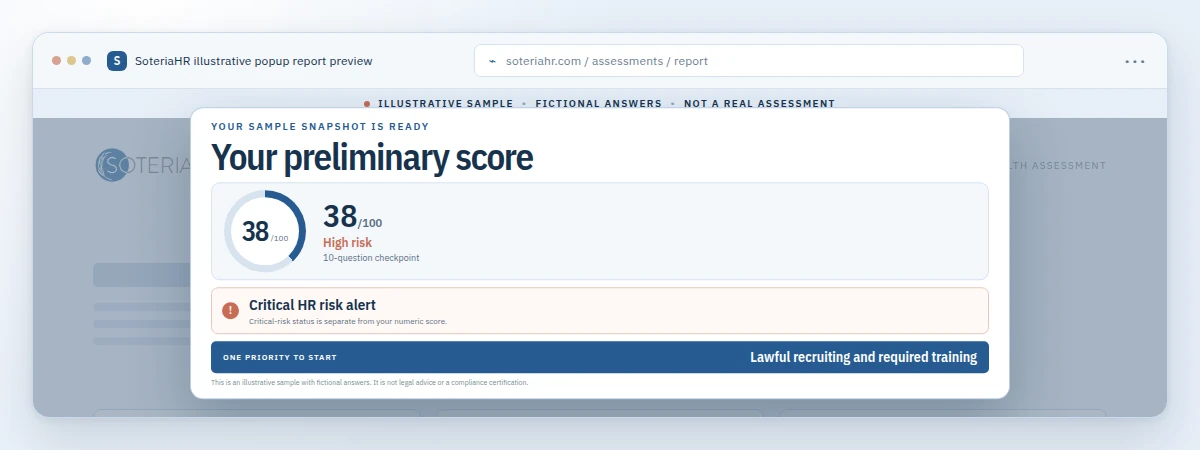
For companies still deciding what kind of help they need, a broader look at available HR solutions for small business is a useful starting point. Those searching quickly for local support can also review this guide on how to find the right HR support fast. For a no-cost first step, the free HR Health Assessment at soteriahr.ai offers a quick, self-reported look at potential HR gaps before a deeper conversation. Results are preliminary and not a substitute for a professional compliance audit, but they often clarify which metrics to prioritize first.
Why this matters: Businesses that review HR data on a fixed schedule tend to catch turnover and compliance issues earlier than those relying on informal observation alone. Consistency, more than software sophistication, is what separates useful HR analytics for small businesses from unused spreadsheets.
Frequently Asked Questions About HR Analytics for Small Businesses
What is HR analytics for small businesses?
HR analytics for small businesses is the practice of collecting and reviewing workforce data, such as turnover, absenteeism, and labor cost, to make informed staffing and policy decisions. It does not require enterprise software; a well-maintained spreadsheet reviewed monthly can be an effective starting point.
How does HR analytics help a small business?
HR analytics helps a small business spot patterns, such as rising turnover in one department, before they become expensive problems. It also supports budgeting, hiring decisions, and compliance tracking with real numbers instead of guesswork.
What HR metrics should a small business track first?
Most small businesses should start with turnover rate, time-to-fill, absenteeism, and labor cost as a percentage of revenue. These four metrics are relatively easy to calculate and reveal the most about day-to-day HR health.
How much does HR analytics software cost for a small business?
Costs vary widely, from free spreadsheet templates to HR information systems that charge a per-employee monthly fee, often a few dollars per employee. Many small businesses start with existing payroll or HR administration data before investing in dedicated analytics software.
How long does it take to see results from HR analytics?
Basic trends, like a rising absenteeism rate, can appear within one or two reporting cycles, often a month or quarter. Deeper insights, such as predicting turnover risk, typically require six months to a year of consistent data.
What is the difference between HR analytics and HR reporting?
HR reporting simply presents data, such as a headcount list or a monthly turnover number. HR analytics goes further by analyzing that data to explain why trends are happening and what action to take next.
Can a small business do HR analytics without a dedicated HR team?
Yes, many small businesses track basic HR metrics using payroll exports, spreadsheets, or outsourced HR support instead of an in-house analytics team. The key is consistency, not headcount.
What are common mistakes small businesses make with HR data?
Common mistakes include tracking too many metrics at once, collecting data without reviewing it regularly, and ignoring compliance-related recordkeeping. Another frequent error is comparing numbers to industry benchmarks that do not match the company’s size or sector.
What tools do small businesses typically use for HR analytics?
Many small businesses begin with spreadsheets or the reporting features built into their payroll or HR administration system. As needs grow, some add dedicated HR information systems with built-in dashboards.
Is HR analytics only useful for large companies?
No, HR analytics for small businesses is just as valuable, often more so, because small teams feel the impact of turnover or compliance gaps more quickly. A single departure can disrupt operations far more in a 20-person company than in a 2,000-person one.
How does HR analytics support compliance?
Tracking metrics like leave usage, overtime hours, and benefits enrollment helps surface compliance gaps before they trigger penalties or complaints. Consistent recordkeeping also supports audits tied to federal and state requirements, such as those from the U.S. Department of Labor.
What is the best way to get started with HR analytics?
The best way to start is by choosing three or four core metrics, building a simple monthly reporting habit, and reviewing the numbers with leadership. Businesses that need extra support often bring in outsourced HR consulting to interpret the data accurately.
How does outsourced HR support help with analytics?
Outsourced HR partners help organize scattered data, set up consistent reporting, and translate numbers into practical policy or staffing decisions. This is particularly useful for companies without an internal HR department or analytics background.
Key Takeaways
HR analytics for small businesses does not need to be complicated to be useful. In fact, the most effective approach is often the simplest one: pick a handful of meaningful metrics, review them on a fixed schedule, and act on what the numbers show. Over time, this habit turns scattered records into a reliable early-warning system for turnover, compliance, and budget issues.
For organizations without an internal HR department, building that habit alone can feel overwhelming alongside everyday operations. That is where a partner can help. Soteria HR works with founders, operations leaders, and existing HR teams to organize workforce data and turn it into practical decisions—because, as the team puts it, “we’ve got your back, so you can focus on growth.” To take the next step, call (800) 399-2458, submit a consultation request at soteriahr.com, or start with the free HR Health Assessment at soteriahr.ai.