HR technology solutions for small businesses are software tools and platforms that help owners and HR leaders manage hiring, payroll coordination, benefits, and compliance without a large internal HR department. For a founder juggling growth and daily operations, the right technology can replace scattered spreadsheets and paper files with organized, searchable records. However, choosing the right mix of tools is not always simple, especially when budgets are tight and HR needs keep changing. This guide explains what these solutions do, how to evaluate them, and when outsourced HR support, like the services offered through Soteria HR, can fill the gaps technology alone cannot close.
What Are HR Technology Solutions for Small Businesses?
Direct answer: HR technology solutions for small businesses are digital platforms, such as HRIS systems, payroll software, benefits portals, and applicant tracking systems, that automate day-to-day HR administration. In short, they replace manual spreadsheets and paper files with centralized, searchable digital records. Most small employers still pair these tools with human HR expertise to interpret data and manage exceptions.
Specifically, an HRIS, short for human resource information system, stores employee records, time-off balances, and compliance documents in one place. Meanwhile, additional modules can handle onboarding paperwork, performance reviews, and benefits enrollment. As a result, HR technology reduces duplicate data entry and keeps information consistent across departments. Still, software alone cannot replace judgment calls on employee relations issues, policy interpretation, or complex compliance questions, which is an area where human resource management support adds the most value.
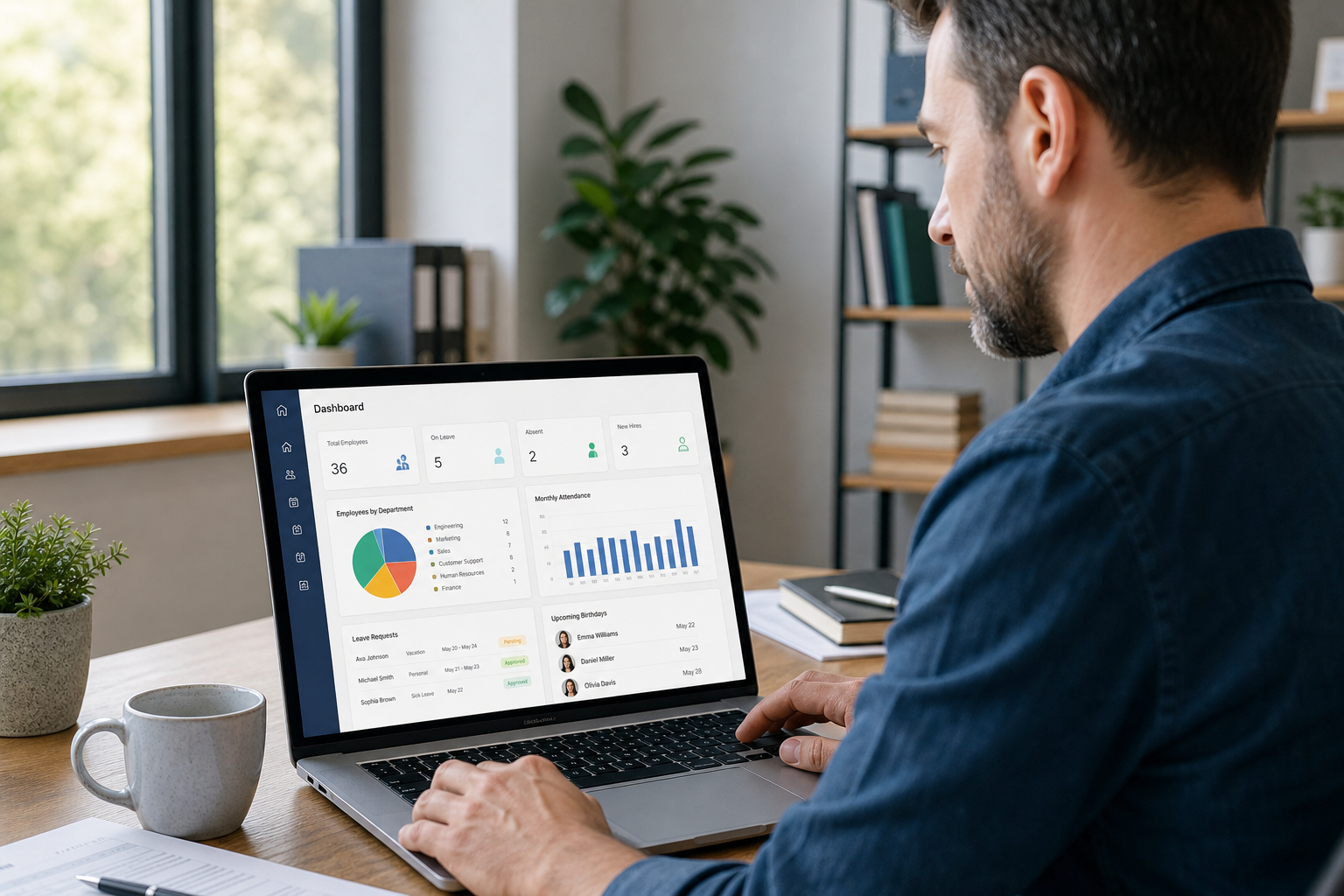
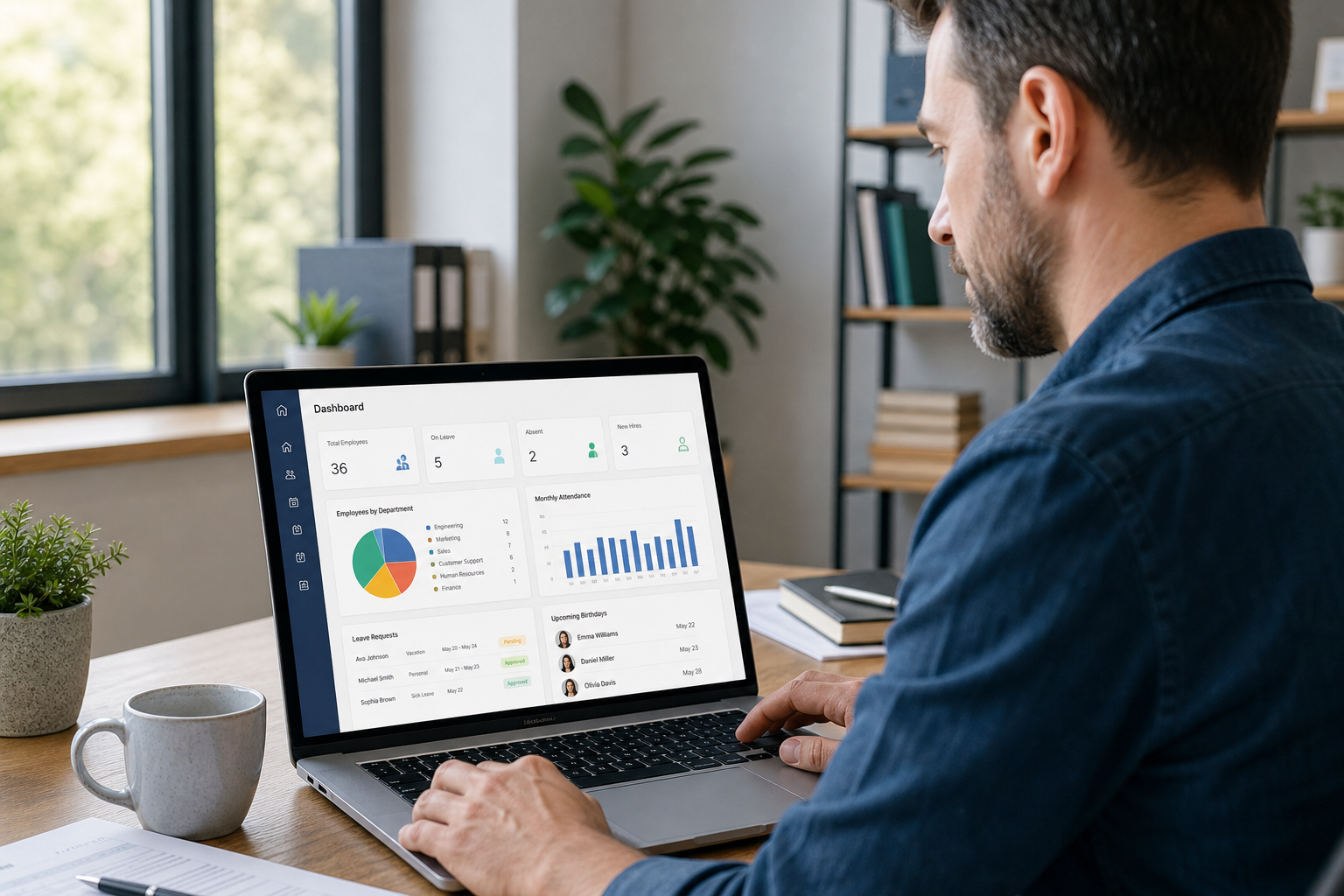
Reviewing HR technology solutions for small businesses often starts with a simple dashboard check-in.
Why Growing Companies Need HR Tech Tools
Small businesses make up the vast majority of U.S. employers. According to the U.S. Small Business Administration, firms with fewer than 500 employees account for 99.9% of all U.S. businesses. Yet most of these employers lack a dedicated HR department, which means HR tasks often fall to founders, office managers, or finance leaders who already wear multiple hats.
Furthermore, federal rules add real stakes to this administrative load. For example, the Fair Labor Standards Act requires most employers to retain certain payroll records for at least three years, according to the U.S. Department of Labor. Consequently, missing or disorganized records can create compliance risk during an audit or wage dispute. HR technology helps by automatically time-stamping and archiving records, which reduces the chance of lost paperwork.
In addition, as teams grow past 10 to 15 employees, manual tracking of benefits eligibility, leave balances, and onboarding steps becomes harder to manage accurately. Therefore, many leaders turn to HR solutions designed for small business not as a luxury, but as a practical response to rising administrative complexity.
Key Features to Look for in HR Software for Small Business
Not every platform needs every feature. Still, certain capabilities consistently matter for growing organizations:
- Centralized employee records: One searchable location for contact details, documents, and job history.
- Self-service portals: Employees can update information, request time off, or view pay stubs without calling HR.
- Payroll coordination: Data flows between HR and payroll systems to reduce duplicate entry and errors.
- Benefits enrollment tools: Simplified open enrollment and life-event changes for employees and administrators alike.
- Compliance tracking and alerts: Reminders for deadlines such as policy acknowledgments or benefits renewals.
- Reporting and analytics: Visibility into turnover, headcount, and other trends that inform leadership decisions.

Comparing feature lists as a team helps avoid buying tools that go unused.
Types of HR Tech Tools for Growing Companies
HR technology is not a single product; it is a category made up of several tool types that often work together. The table below outlines the most common ones.
| Tool Type | Main Function | Typical Use Case |
|---|---|---|
| HRIS / HRMS | Centralizes employee records and workflows | Onboarding, leave tracking, document storage |
| Payroll software | Calculates pay, deductions, and filings | Running payroll, coordinating with providers |
| Benefits administration platform | Manages enrollments and carrier communication | Open enrollment, life-event changes, COBRA tracking |
| Applicant tracking system | Organizes hiring pipelines | Posting jobs, screening candidates |
| Learning management system | Delivers and tracks training | Harassment-prevention training, onboarding modules |
Many growing businesses start with a single HRMS software solution and add modules over time, rather than purchasing every tool at once.
How to Choose the Right HR Technology Solutions for Small Businesses
Selecting HR technology solutions for small businesses works best as a structured process rather than a quick purchase. The following steps outline a practical approach.
- Assess current HR pain points. List where your team loses the most time, such as manual timesheets, scattered employee files, or slow benefits enrollment, so you can target tools that solve real problems rather than chasing every available feature.
- Define must-have features. Decide which capabilities are non-negotiable, like payroll coordination or compliance alerts, and which are nice-to-have, so vendor demos stay focused on what actually matters to your organization.
- Set a realistic budget. Factor in subscription fees plus implementation time, data migration, and ongoing support costs, since hidden fees can significantly change the total cost of ownership over several years.
- Request demos and references. Ask vendors for a live demo using scenarios similar to your business, and speak with at least one current customer of a similar size to confirm the software performs as promised.
- Confirm integrations. Verify that any new HR technology can connect with your current payroll processor and benefits carriers, because poor integration often creates duplicate data entry and increases the risk of costly errors.
- Plan training and ongoing support. Build a rollout timeline that includes employee training sessions and identify who will answer HR questions day to day, whether that is an internal HR lead or an outsourced partner.

Training time is often the most underestimated part of rolling out new HR technology.
Common Mistakes When Adopting HR Technology
Even well-intentioned HR technology projects can stall. In particular, these recurring mistakes tend to cause the most frustration:
- Buying software before mapping processes: Tools work best when they fit an existing workflow, not the other way around.
- Ignoring data migration: Historical employee records need a clear transfer plan, or details get lost.
- Underestimating training time: Employees need guided practice, not just a login email.
- Assuming software guarantees compliance: Platforms can flag deadlines, but they cannot interpret nuanced legal requirements on their own.
- Failing to assign ownership: Someone internally, or an outsourced partner, must be responsible for keeping the system current.
How Soteria HR Supports Your HR Technology Strategy
Technology handles repetitive tasks well, but it rarely resolves judgment-based questions on its own. That is where Soteria HR’s hands-on approach fits in. Based in Pasadena, California, Soteria serves employers across Los Angeles, Orange County, and nationwide, offering HR administration, HR consulting, and benefits administration that complement whatever HR technology solutions you already use.
For organizations that want tailored HR support without co-employment, Soteria’s ASO (Administrative Services Organization) option provides that structure while clients remain the employer of record, retaining responsibility for employment decisions. Additionally, Soteria’s HR support for small business services help interpret the data your software collects, manage policy updates, and coordinate with payroll providers.
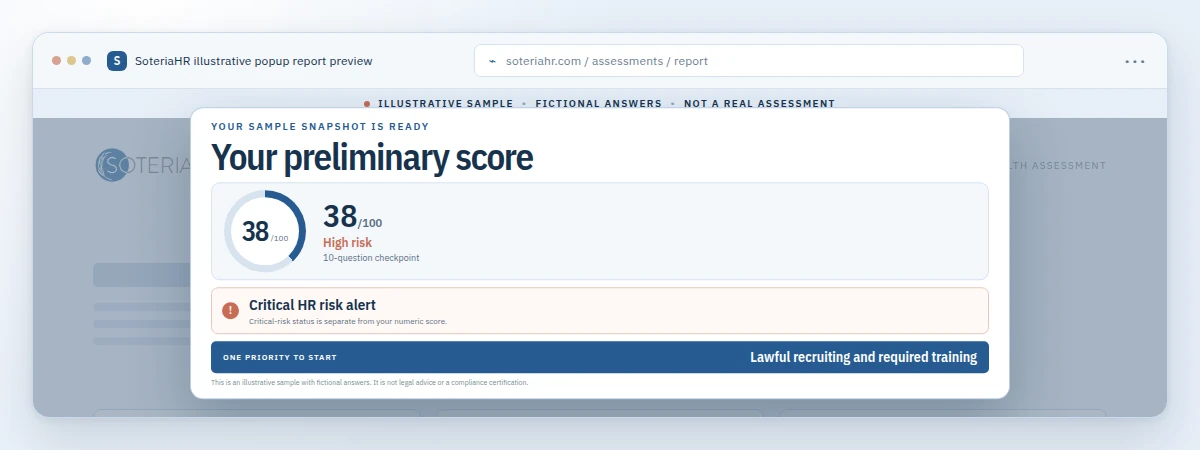
Before adding new software or an outsourced partner, it can help to see where gaps actually exist. Soteria’s free HR Health Assessment at soteriahr.ai offers a 10-question Quick HR Check, which takes about two minutes, or a more thorough 40-question Complete HR Health Assessment, which takes roughly 10 to 12 minutes. Results are self-reported and preliminary, not a certification of compliance, but they can highlight priorities worth discussing with an HR professional. Learn more about outsourced HR services made simple or call (800) 399-2458 to talk to an HR expert about your specific situation.
Frequently Asked Questions About HR Technology Solutions for Small Businesses
What are HR technology solutions for small businesses?
HR technology solutions for small businesses are software tools, such as HRIS platforms, payroll software, and benefits portals, that automate HR administration tasks. They centralize employee records and reduce manual paperwork, though most small employers still rely on human HR expertise for judgment calls.
How do HR technology solutions differ from traditional HR software?
Traditional HR software often refers to single-purpose tools, like a standalone payroll program. In contrast, modern HR technology solutions typically combine several functions, such as onboarding, benefits, and compliance tracking, into one connected platform.
Why do small businesses need HR technology solutions?
Small businesses need HR technology solutions because administrative tasks grow quickly as headcount increases. Manual tracking of records, leave, and benefits becomes error-prone, and technology reduces lost paperwork while keeping records audit-ready.
How much do HR technology solutions cost for small businesses?
Costs vary widely, from roughly a few dollars per employee per month for basic HRIS tools to higher monthly fees for full-service platforms with payroll and benefits modules. Implementation, training, and support fees often add to the base subscription price.
How long does it take to implement HR technology solutions?
A basic HRIS rollout can take two to four weeks. However, platforms that include payroll migration and benefits integration may take six to twelve weeks, depending on data cleanup and training needs.
What features should small businesses look for in HR software?
Priority features include centralized employee records, self-service portals, payroll coordination, benefits enrollment tools, and compliance tracking alerts. Reporting capabilities also help leaders spot trends before they become problems.
Can HR technology solutions replace an HR department?
No, HR technology automates repetitive tasks but cannot replace human judgment on employee relations, policy interpretation, or complex compliance questions. Many small businesses pair software with outsourced HR consulting to cover both needs.
What is the difference between an HRIS and an HRMS?
An HRIS, or human resource information system, generally focuses on storing employee data. An HRMS, or human resource management system, adds broader functionality, such as payroll, benefits, and performance management, on top of core records.
How do HR technology solutions support compliance?
Many platforms timestamp records, store required documents, and send alerts for deadlines like benefits renewal or policy acknowledgments. Even so, software should supplement, not replace, guidance from qualified HR or legal professionals on jurisdiction-specific rules.
What are common mistakes when adopting HR technology solutions?
Common mistakes include buying software before mapping existing HR processes, skipping data migration planning, underestimating training time, and assuming the tool alone guarantees legal compliance.
Do HR technology solutions work with existing payroll providers?
Most modern HR platforms offer integrations or export tools that connect with common payroll providers. Still, it is important to confirm compatibility and data-sync frequency before committing to a new system.
How does outsourced HR support complement HR technology solutions?
Outsourced HR support, such as an ASO arrangement, helps interpret the data HR technology collects, manage exceptions, and handle tasks the software cannot, like employee relations conversations or policy updates.
In summary, HR technology solutions for small businesses can save time, reduce paperwork errors, and support better decision-making, but they work best alongside experienced HR guidance. Whether you are mapping out your first HRIS purchase or reviewing an existing HR tech stack, pairing the right software with practical HR consulting helps cover both the administrative and judgment-based sides of the work. If you would like help evaluating your current setup, start with a free HR Health Assessment at soteriahr.ai, then call (800) 399-2458 or submit a consultation request to talk to an HR expert at Soteria HR.